Viewing Map Labels
Map labels add an overlay with the names of roads and highways, cities and towns, and other points of interest to the viewport.
Some basemaps, such as Google Maps, include labels as part of the basemap. You cannot turn this labeling on or off.
Do either of the following:
Turn On Map Labels Select Map Labels
 . Map labels appear in the viewport.
San Diego viewed with map labels turned on.
Turn Off Map Labels Select Map Labels
 . Map labels are removed from the viewport.
The same area viewed with map labels turned off.
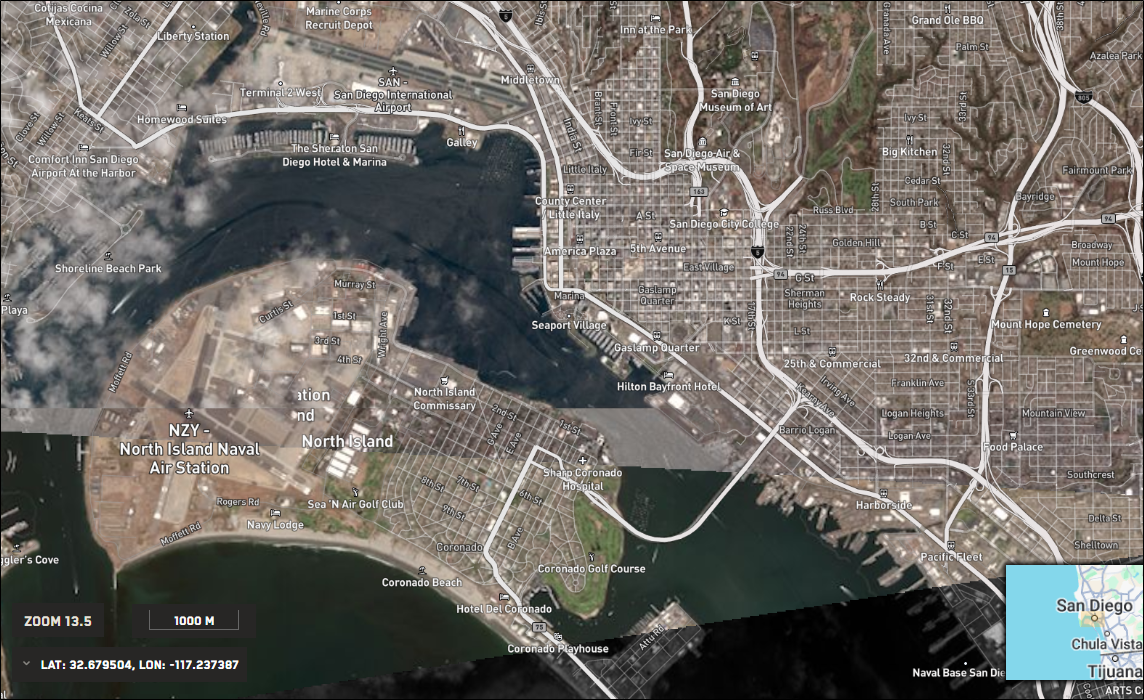
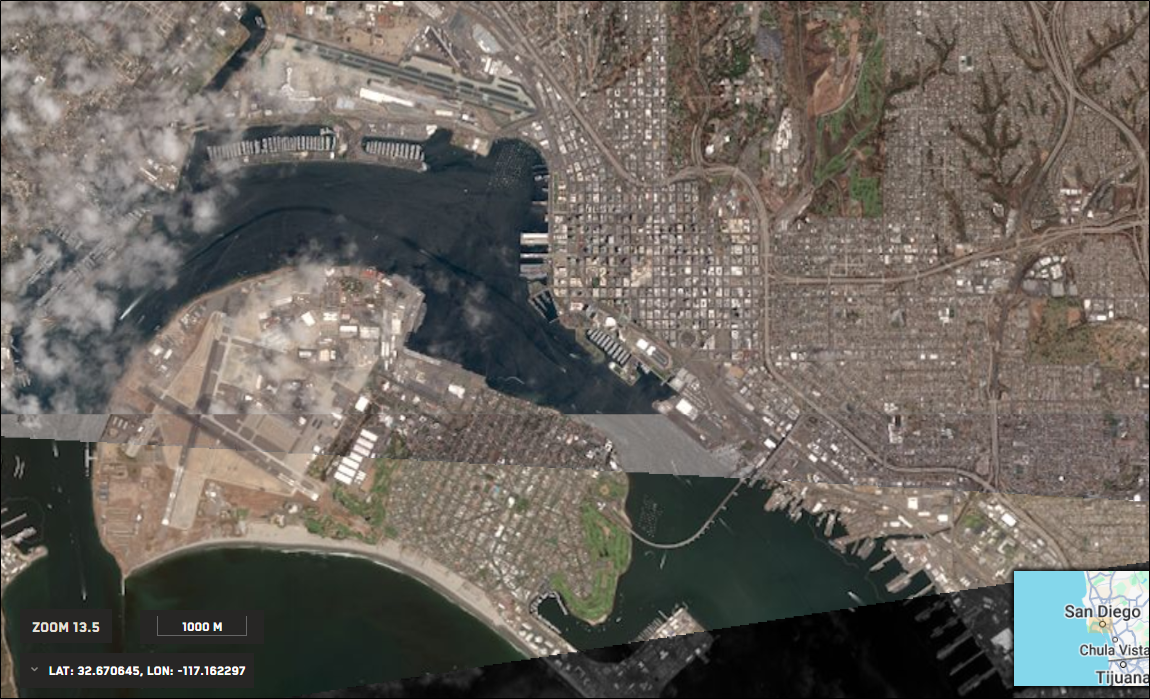
Map labels are available at all zoom levels. However, you will see a greater level of detail as you zoom in.
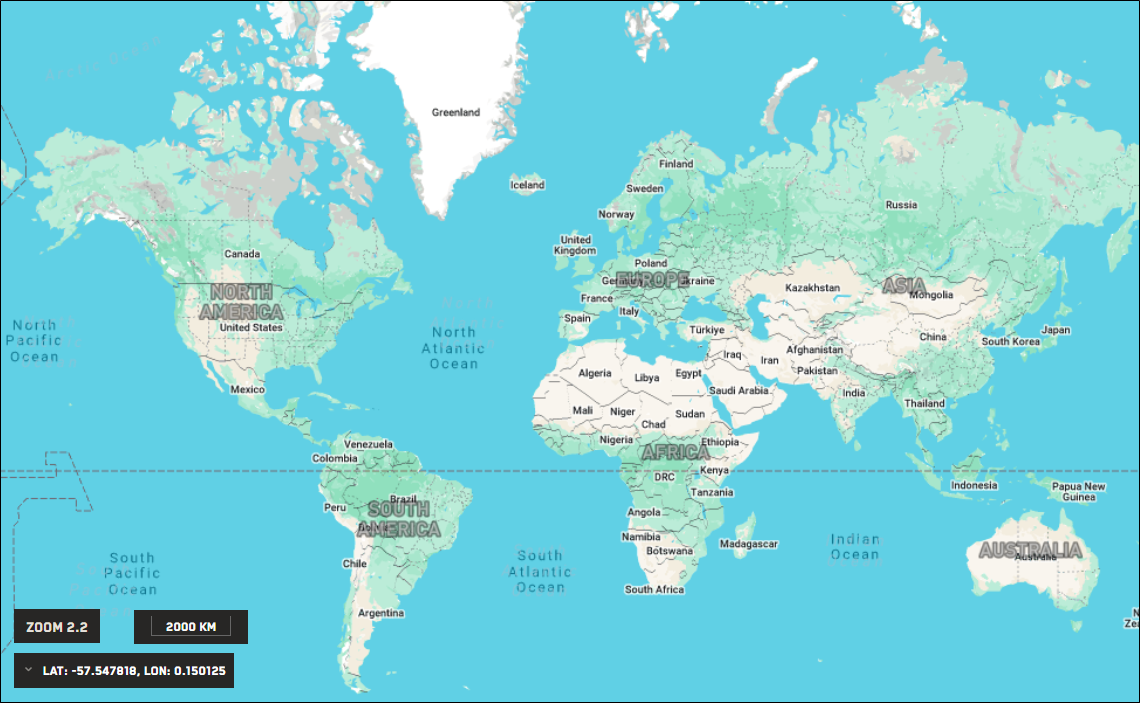
Zoom 2.2

At this zoom level, few map labels are visible.
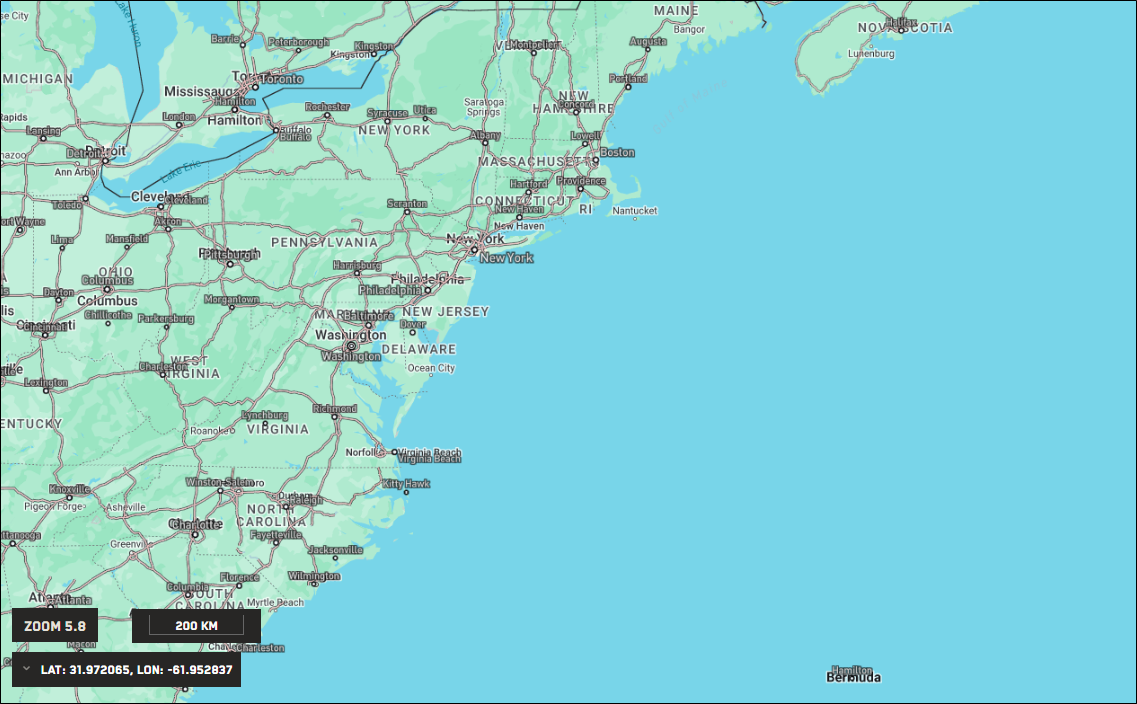
Zoom 5.8
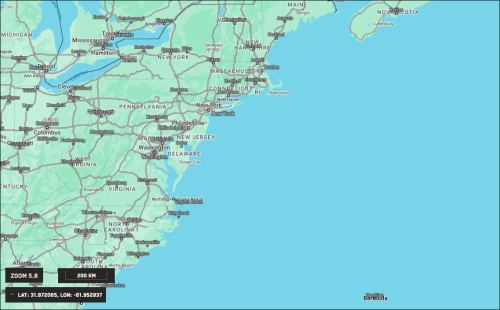
At this zoom level, several city labels are visible.
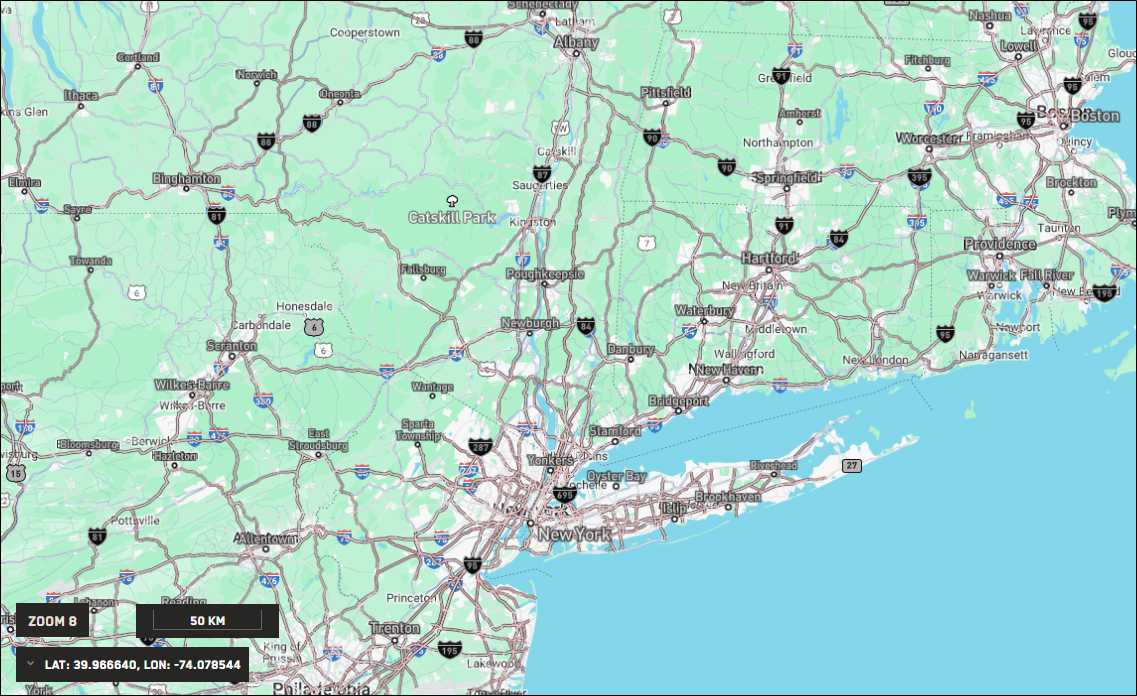
Zoom 8
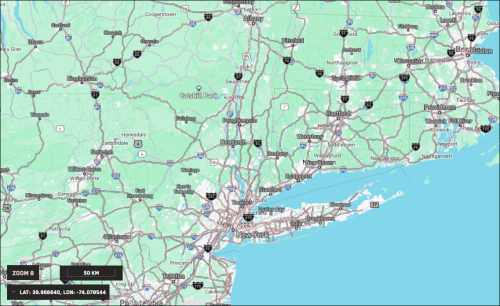
At this zoom level, city and highway labels are visible, as are labels for large parks and forests. The labels are similar to those on the Google Maps basemap.
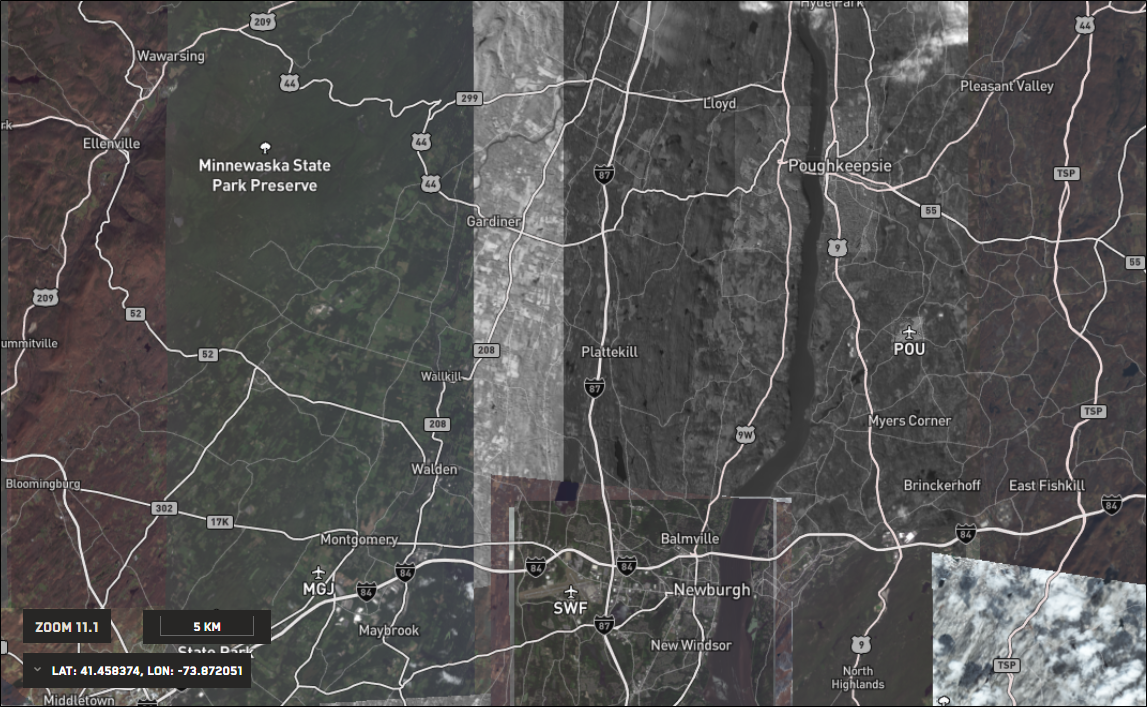
Zoom 11.1 (imagery available)
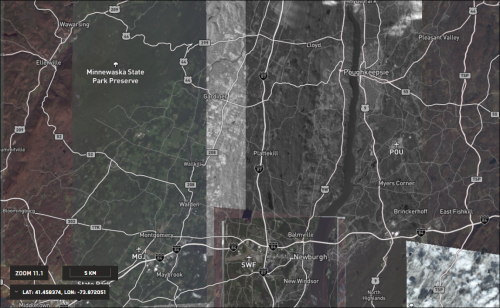
With imagery available at higher zoom levels, map labels become more valuable, as they are no longer visible on the basemap. Now you can see labels on smaller cities and towns, as well as on regional airports.
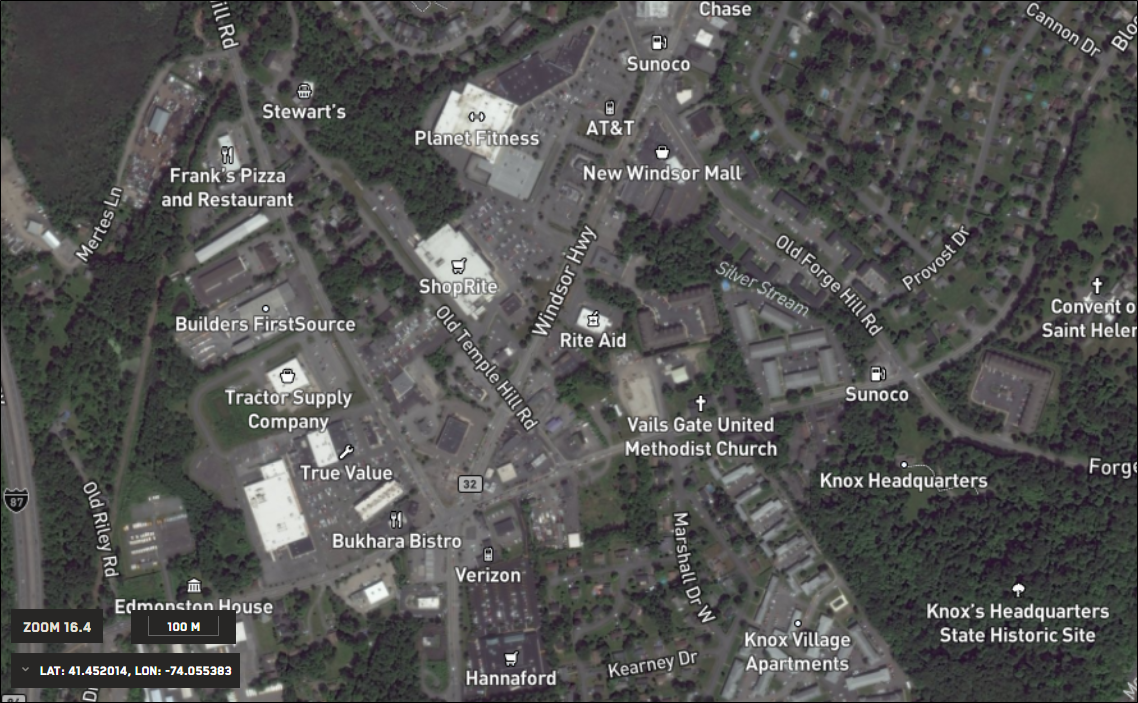
Zoom 16.4
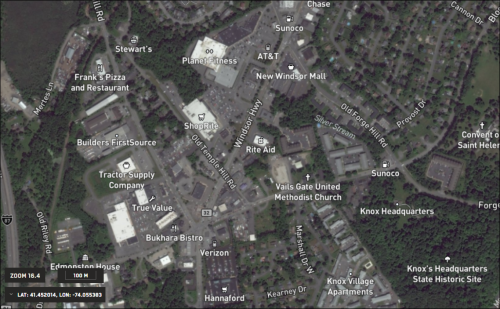
At very close zoom levels, map labels add high levels of local detail to imagery, such as identification of residential streets and businesses.