Logging In and Logging Out
The first step in using Rapid Access is to log into the system. You will log in using your Rapid Access credentials.
Logging In to Rapid Access
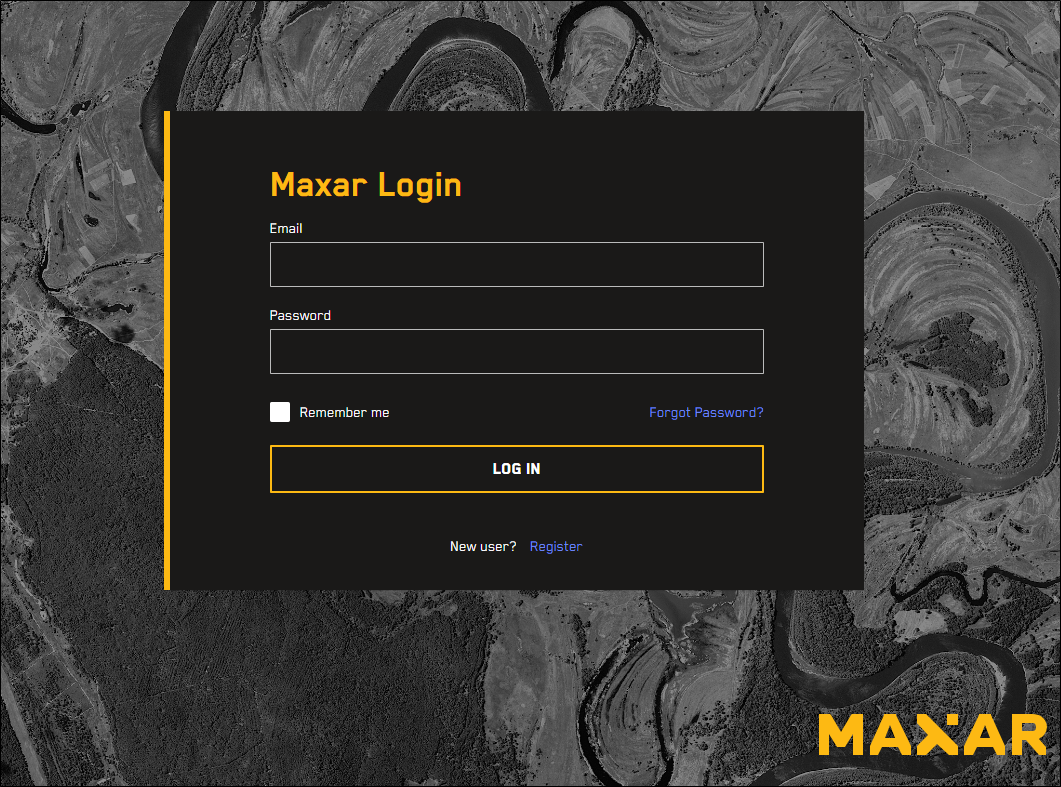
Open an Internet browser and go to https://<your Rapid Access URL>.rap.maxar.com. The Login page opens.
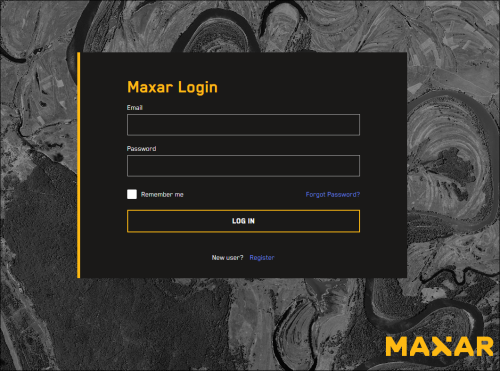
In the Email and Password fields, enter your credentials.
Select Log In.
After three failed login attempts, your account will be suspended temporarily. To log in again, do either of the following:
Try again in five minutes
Email digitalglobedafsupport@maxar.com for immediate assistance